List your store
Your store,
in front of
more buyers.
Already selling online? Rfoof shows your store to more shoppers and sends them straight to your website to order.
No online store yet? We can build one

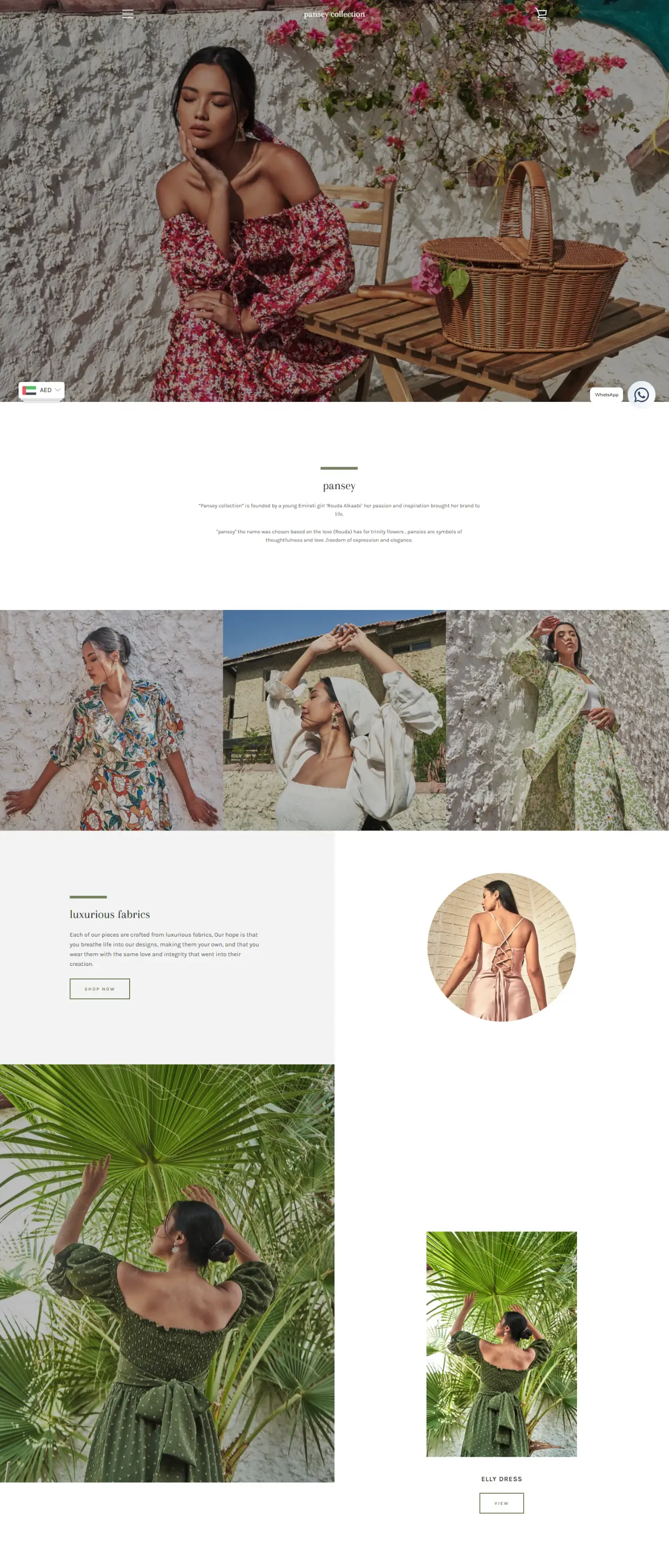
Illustration, shown with an example store’s real website.
01 — How listing works
A showcase,
not a host.
Shoppers discover your store on Rfoof, then buy on your website. We don’t host your store or take orders: products, prices, checkout, payments and delivery stay with you, as they are today.
What a listing includes
- A page for your storeYour visuals, your story and what you sell.
- A place in your categoryShoppers browsing your category find you next to similar stores.
- A direct link to your websiteOne tap takes shoppers from your page to your store.
What a listing isn’t
- Not hostingWe don’t host your store. It stays on your website, where it is today.
- Not taking your ordersProducts, prices, checkout, payments and delivery stay with you.
- Not a new buildBuilding a store is a separate Rfoof service. Build a store
- Not a saleYour store stays yours. A listing only points shoppers to it.
02 — From application to listing
Three steps.
One is ours.
- 01
You apply
Tell us about your store. Your website address and a line or two are enough to start.
- 02
We review every store
Not automaticWe look at your store and check it fits a category on Rfoof, then reply by email with the next steps.
- 03
Listed, linking to your website
Once approved, your store gets its page in its category, with a direct link to your website, where the order happens.
03 — Announcing new stores
New store
in Rfoof.
These are Rfoof’s own “New store in Rfoof” designs, used to announce new stores in social posts and stories.
04 — Apply
Apply to
be listed.
Tell us about your store. Your website address and a line or two are enough to start.
What happens next
- 01We look at your store and check it fits a category on Rfoof.
- 02We reply by email with the next steps.
Questions about listing your store?
Contact us